Sharpen vs Unsharp Mask: The Real Difference
Unsharp Mask is the pro version of Sharpen — it gives you more control over which edges get sharpened and how much. Despite the confusing name, it doesn't make things blurry; it's a sharpening technique borrowed from photography. Use it when you need precise sharpening control.
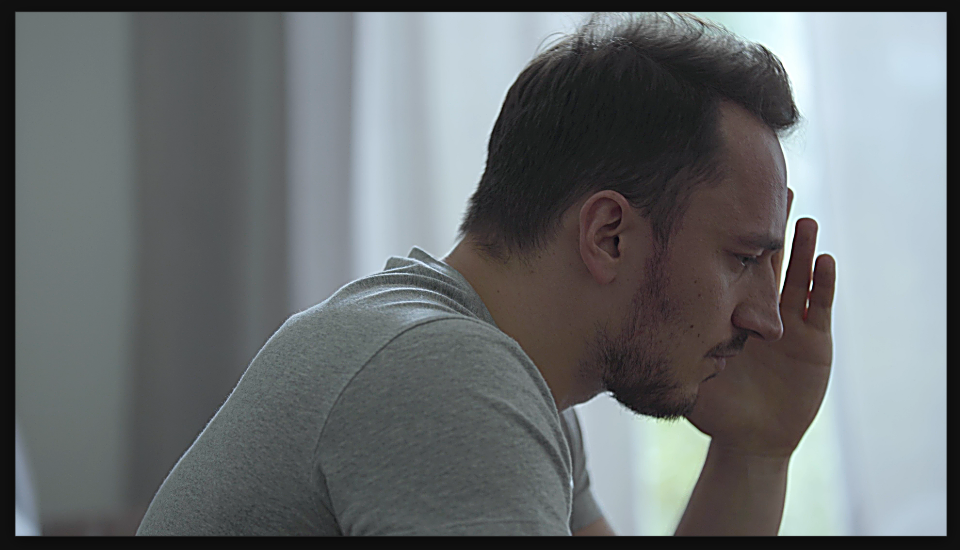
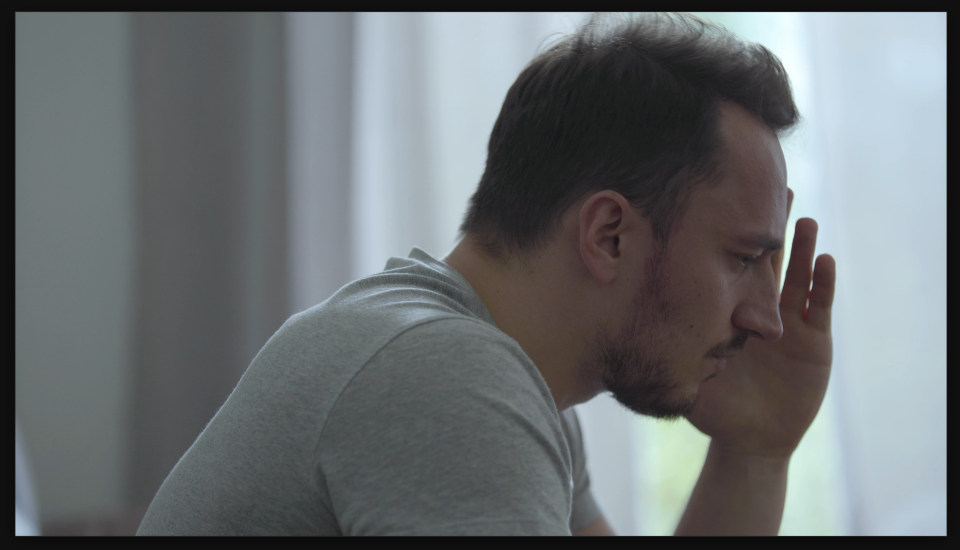
Settings used
- Amount: 120
- Radius: 6
- Threshold: 2
Add the effect from FX → Blur & Sharpen → Unsharp Mask. Amount controls sharpening strength. Radius controls which edges get sharpened — higher values sharpen larger features. Threshold lets you exclude flat areas from sharpening, reducing artifacts.
Sharpen vs Unsharp Mask
Use Sharpen for quick, simple sharpening. Use Unsharp Mask when you need control — when you want to sharpen details but not skin texture, or when you need to fine-tune which edges get enhanced. The threshold parameter in Unsharp Mask prevents over-sharpening of smooth areas.