Make a Portal/Vortex Transition Effect
Twirl spirals your footage around a center point, creating a vortex or whirlpool effect. It's perfect for transitions between scenes, sci-fi portals, or abstract motion sequences. Animate the angle to create that spinning tunnel feeling. Combine it with scale and position changes for hypnotic, disorienting effects.
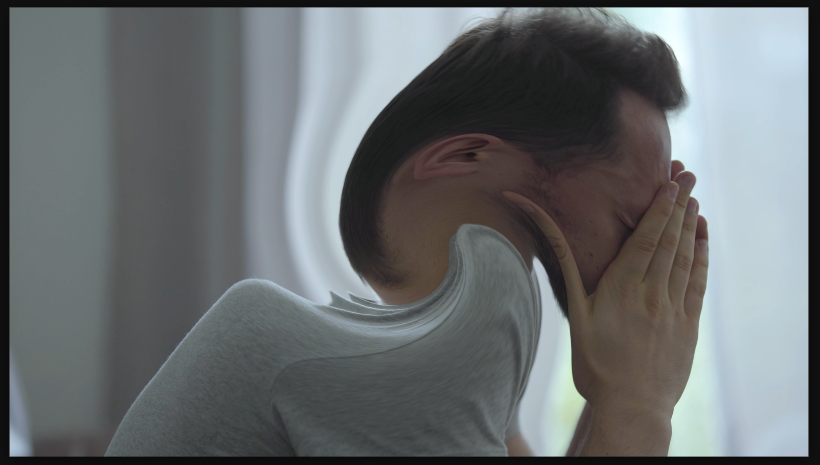
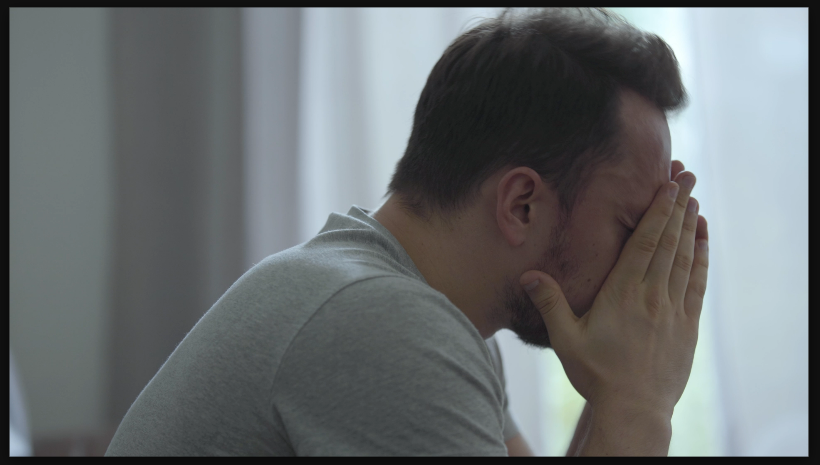
Settings used
- Angle: 180°
- Radius: 500
- Center X: 50
- Center Y: 50
Add the effect from FX → Distort → Twirl. Angle controls how much spin (in degrees) — 90° is a quarter turn, 360° is one full rotation. Radius controls which parts get affected — 100% twirls everything, lower values only affect the center. Center X/Y position the vortex center.
When to use it
Use Twirl for trippy transitions or sci-fi effects. Animate angle continuously to create a spinning portal. Combine with motion blur for more impact. Use large radius values (150-200%) for extreme distortion, smaller values (40-60%) for subtle effects. Stack multiple Twirl effects at different centers for complex, overlapping vortex effects.