Fix Green Screen Edge Fringing Fast
Simple Choker shrinks or grows your matte edge to clean up a bad key. After you pull a green screen key with Extract or Linear Color Key, you often get green spill or fringing around your subject. Simple Choker tightens the matte inward (choke) to hide that colored edge, or expands it outward to recover lost detail. One slider, instant results.
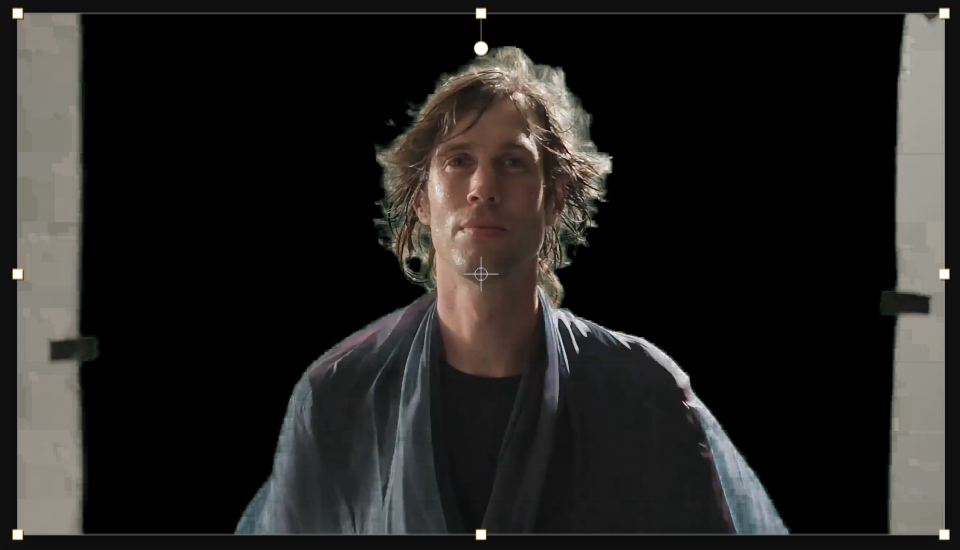

Settings used
- Choke: -3
Add the effect from FX → Matte → Simple Choker. Choke controls the matte edge — negative values shrink the matte inward (hiding green spill), positive values expand it (recovering lost detail). Start at -2 to -5 to eliminate fringing, or +1 to +3 if your key cut away too much of your subject.
When to use it
Apply Simple Choker immediately after any key (Extract or Linear Color Key) to clean up edge fringing. Use negative choke values when you see green or blue spill around your subject's hair or edges. Use positive choke when your key was too aggressive and ate into your subject. It's the fastest way to polish a rough key before compositing.