Make a Glitch/Sci-Fi Color Effect in Seconds
Shift Channels remaps your red, green, and blue channels — swapping which color information goes where. Swap red and blue for an alien, glitchy look. Shift them in different directions for chromatic aberration. It's the effect that makes footage feel broken, dystopian, or otherworldly.
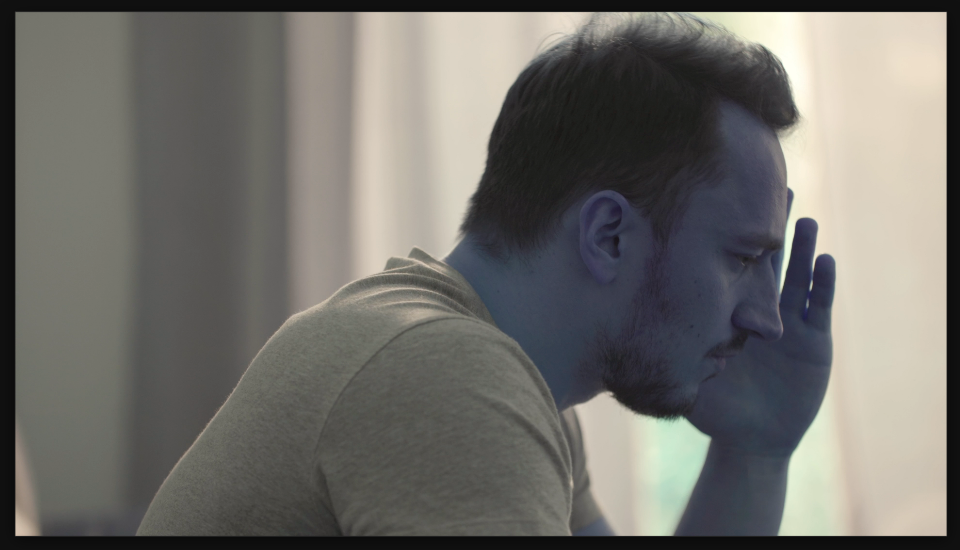
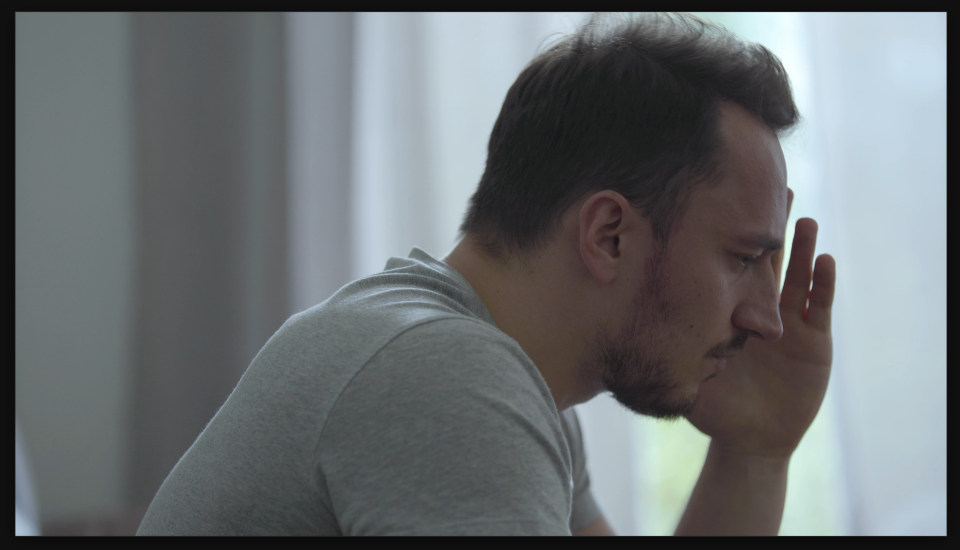
Settings used
- Alpha From: Alpha
- Red From: Blue
- Green From: Green
- Blue From: Red
Add the effect from FX → Channel → Shift Channels. For each output channel (Red, Green, Blue), choose which source channel it should pull from. This setup swaps Red and Blue to create the glitch effect — the Red output displays the Blue channel data, and vice versa.
When to use it
Use Shift Channels for sci-fi sequences, glitch transitions, error screens, or any moment where you want the footage to feel broken or alien. It's also great for creating visual tension or signaling that something is wrong.