Make Blurry Footage Look Sharp (Without Overdoing It)
Sharpen enhances edges in your footage to make it look crisper and more defined. Use it on soft footage, after applying blur, or to add detail and punch. But be careful — too much sharpening creates artifacts and halos. A little goes a long way.
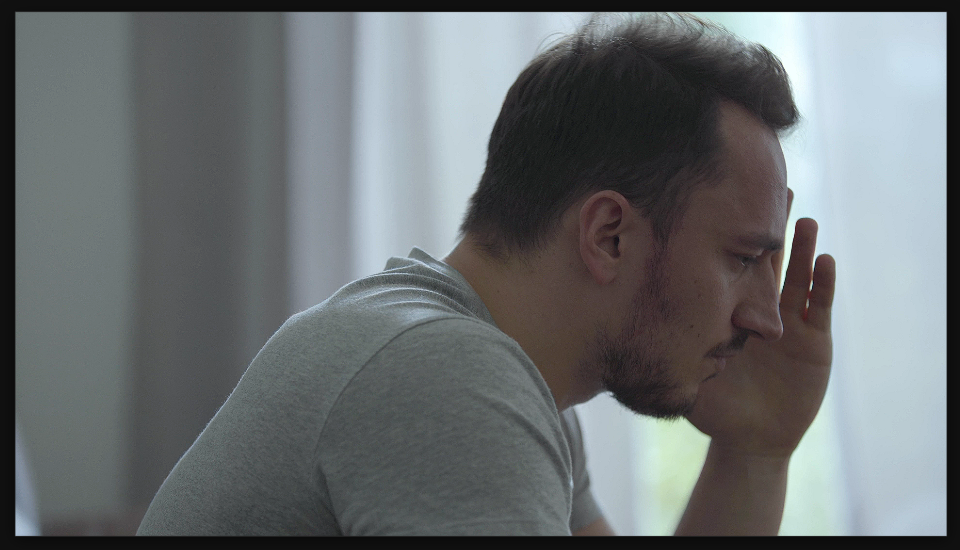
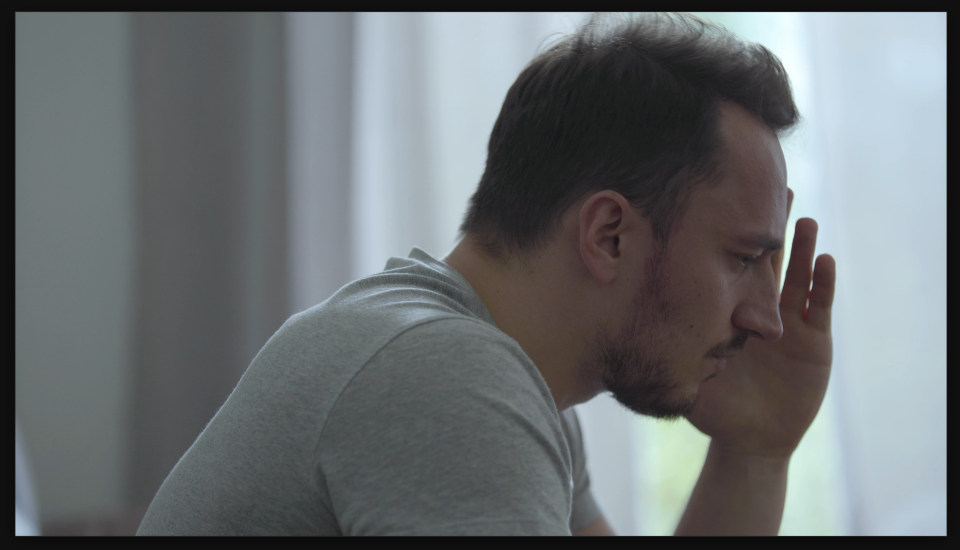
Settings used
- Amount: 80
Add the effect from FX → Blur & Sharpen → Sharpen. Adjust the amount to control sharpening strength — start around 30-50 for subtle enhancement, increase to 80-120 for more visible punch. Be careful not to go too high or you'll get artifacts and halos.
When to use it
Use Sharpen to fix soft footage, add punch to close-ups, or bring back detail after blur. Don't overuse it — a little sharpening looks professional, while too much looks artificial and ruins the image. If it looks good on your monitor, it's probably too sharp on most viewers' screens.