Recover Detail in Crushed Blacks and Blown-Out Skies
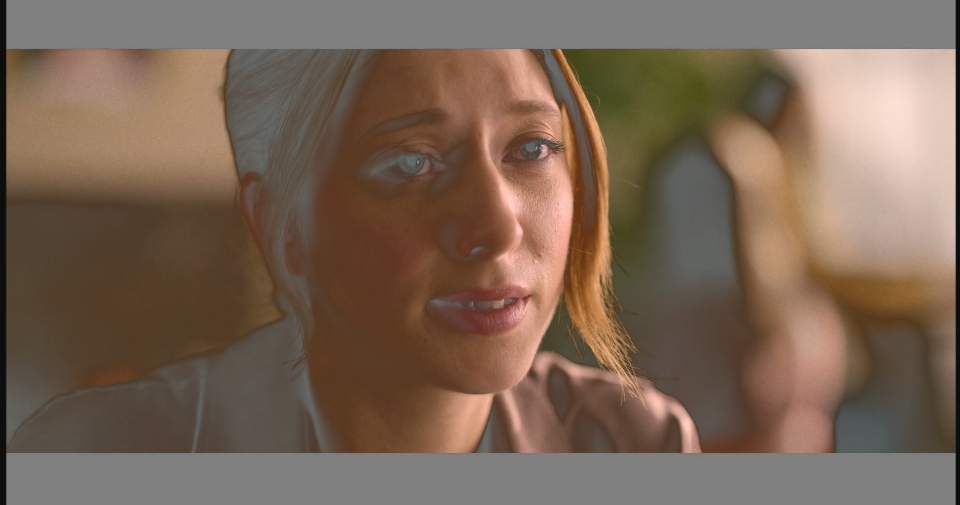
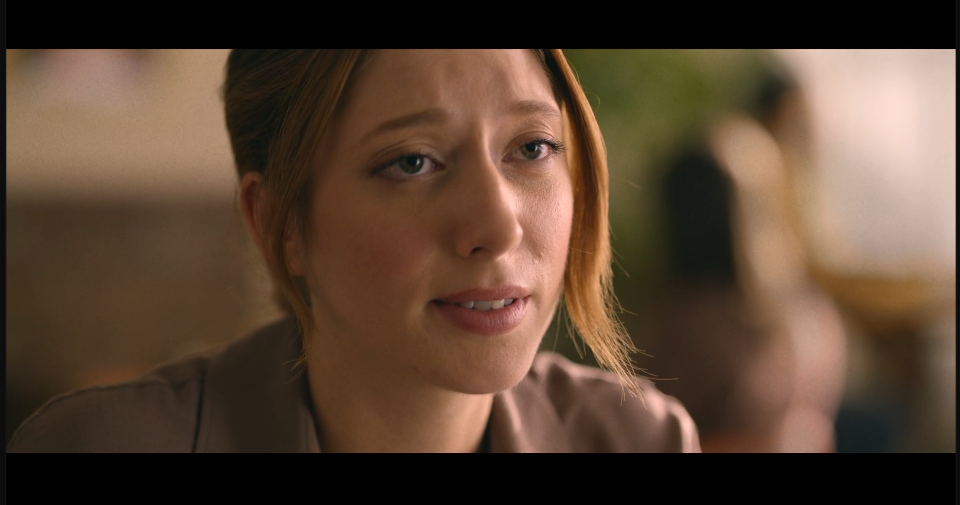
Shadow Amount lifts detail out of dark areas, and Highlight Amount pulls detail back into bright ones — independently, without flattening the rest of the image the way a plain Brightness boost would. It's the fix for a high-contrast, run-and-gun shot that Brightness & Contrast alone can't touch.
‹›
Settings used
- Shadow Amount: 50
- Highlight Amount: 0
- Auto Amounts: On
Add the effect from FX → Color Correction → Shadow / Highlight. Push Highlight Amount up too when a shot has both crushed shadows and a blown-out sky in the same frame.