Make a Symmetry/Mirror Effect (Trendy Look)
Mirror creates a symmetrical, kaleidoscope-style reflection of your footage. Pick a center point and an axis (horizontal, vertical, or both), and Mirror flips one half of your image to match the other. It's a trendy visual effect used in music videos, intros, and artistic reels. Looks expensive, costs nothing.
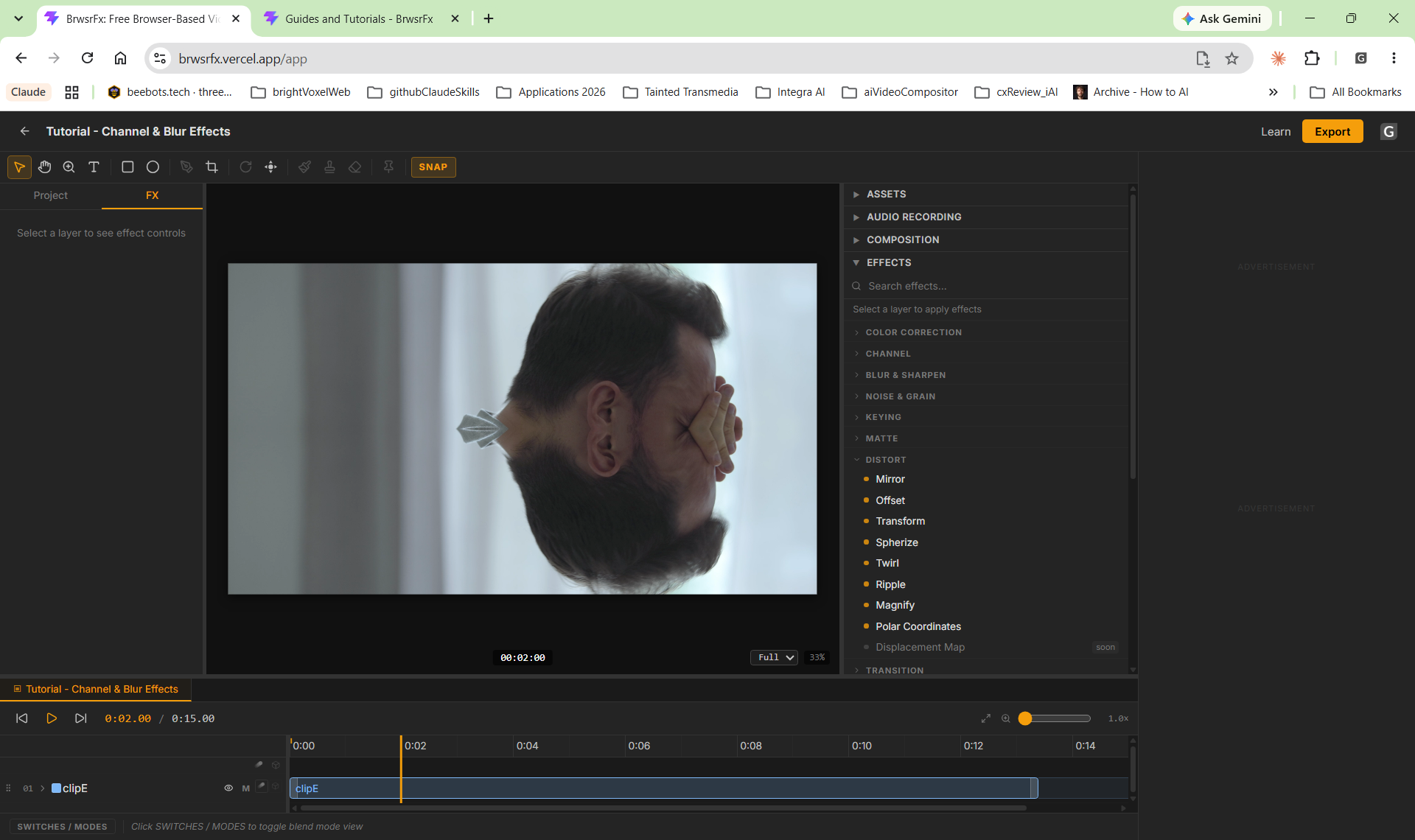

Settings used
- Axis: Horizontal
- Center: 50
Add the effect from FX → Distort → Mirror. Axis controls the direction of the mirror — Horizontal mirrors top-to-bottom, Vertical mirrors left-to-right, Both creates a cross-symmetry. Center (0-100) positions the mirror axis anywhere on your frame. Move the center point to create asymmetrical mirror effects.
When to use it
Use Mirror for stylized intros, transitions, or music video sequences where symmetry creates impact. It works great on faces (mirror the left half to see what you'd look like perfectly symmetrical), landscapes, or abstract compositions. Animate the center position over time for a kaleidoscope motion effect. Combine with color grading for a polished, editorial look.