Turn Video Into a Painting With One Effect
Median removes fine detail and noise while preserving edges, creating a stylized painting-like effect. It's a denoising tool that works by averaging neighboring pixels, but crank it up and it becomes a creative effect — your video looks hand-painted, posterized, or oil-painted depending on how much you push it. It works on any layer and instantly transforms footage into art.
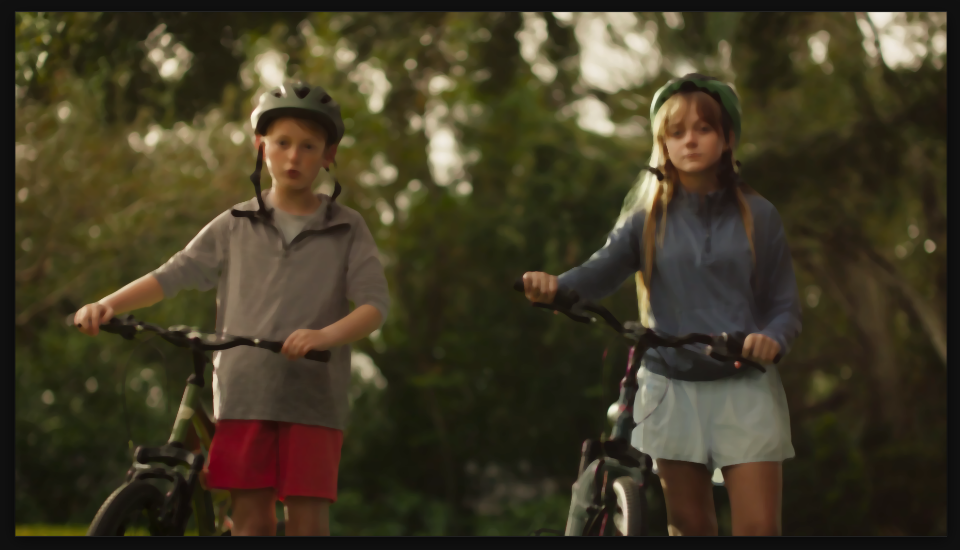
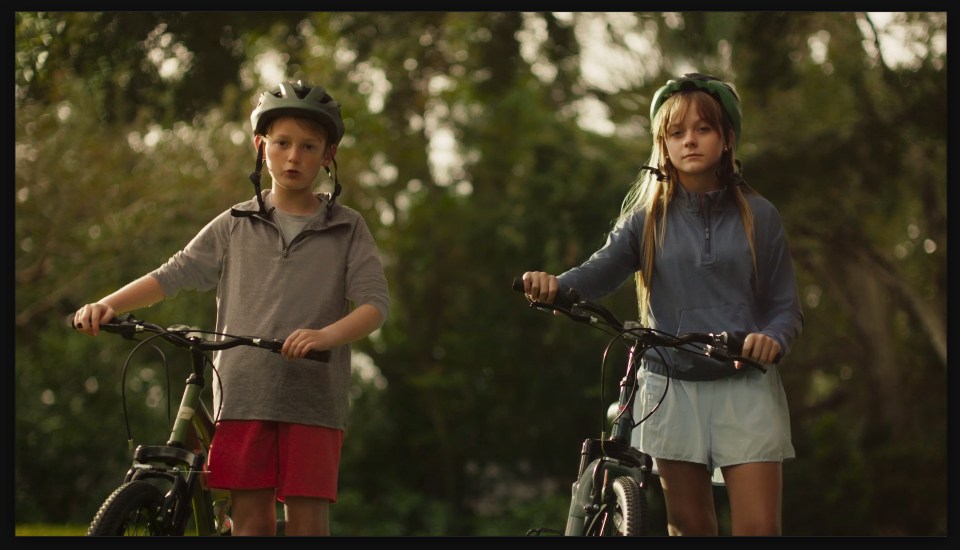
Settings used
- Radius: 5
Add the effect from FX → Noise & Grain → Median. Radius (1-5) controls the effect strength — lower values remove noise subtly, higher values create an obvious painted look with posterization and a choppier frame-rate feel, which can look intentional and stylish.
When to use it
Use Median for stylized intros or transitions where you want a painted aesthetic. It's also great for upscaling low-quality footage or hiding compression artifacts. Try it on still frames to create animated painting transitions. Use it sparingly on talking heads — it can make skin tones look odd if overdone, but it works great on landscapes and textures.