Simple Choker vs Matte Choker: Which Fixes Your Key?
Matte Choker is the advanced version of Simple Choker — it has more control for fixing tricky keys. Where Simple Choker is a one-slider fix, Matte Choker gives you geometric softness, choke amount, and grey level control. Use it when Simple Choker isn't enough, or when you have a really complex edge that needs surgical precision.
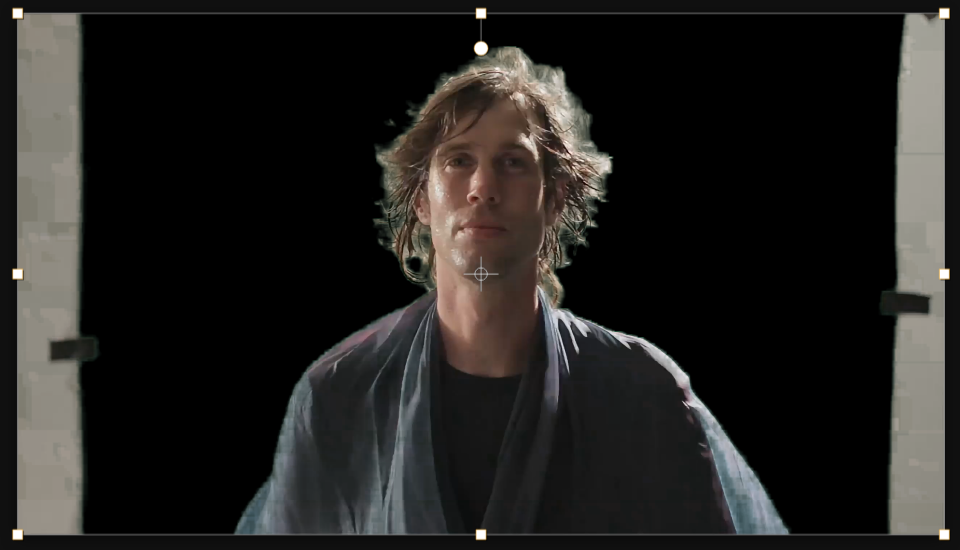
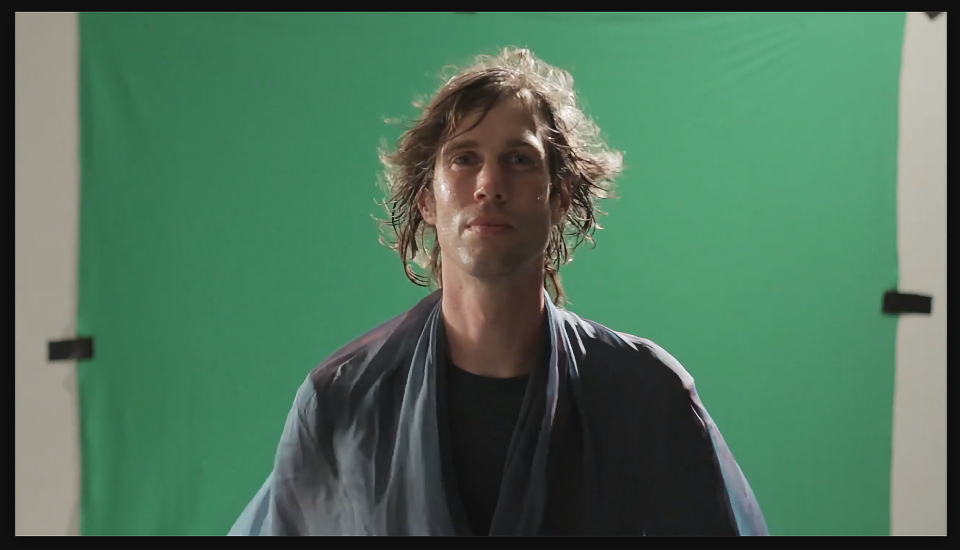
Settings used
- Geometric Softness 1: 2
- Choke: -4
- Grey Level: 50%
Add the effect from FX → Matte → Matte Choker. Geometric Softness feathers the edge before choking. Choke shrinks (negative) or expands (positive) the matte. Grey Level controls which tones get affected — useful for fixing edges where some areas need more aggressive choking than others. Iterate on these three sliders to dial in the perfect edge.
When to use it
Use Matte Choker for professional-grade green screen work where Simple Choker isn't cutting it. It's especially useful when your subject has complex edges (curly hair, thin wires, etc.) that need multiple passes of edge refinement. Stack multiple instances of Matte Choker for heavily textured edges, or combine with Simple Choker as a final pass.