Highlight Details With a Magnifying Glass Effect
Magnify zooms into one part of your frame like you're holding a magnifying glass over it. It creates a circular or square region that shows a zoomed-in view of that area. Perfect for directing attention to details, creating a reveal moment, or that "focus on the object" cinematic effect used in product videos and tutorials.
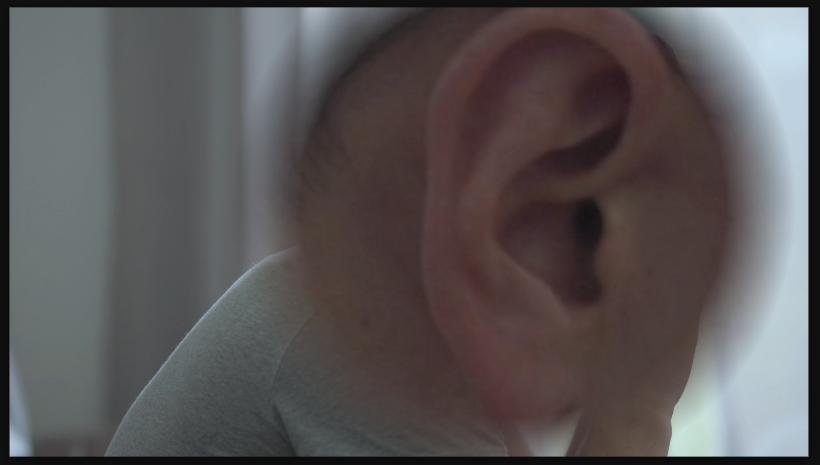
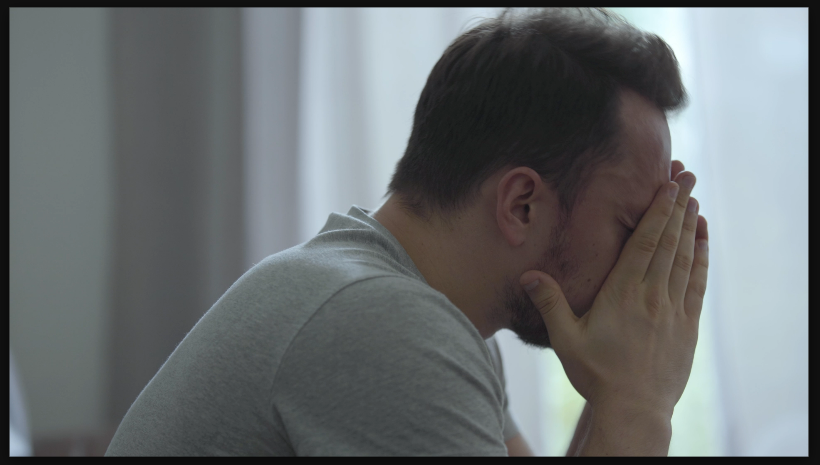
Settings used
- Shape: Circle
- Center X: 250
- Center Y: -65
- Radius: 680
- Magnification: 550
- Feather: 25
Add the effect from FX → Distort → Magnify. Magnification controls the zoom level inside the glass. Shape switches between Circle and Square. Size controls the glass diameter or width. Center X/Y position the magnifying glass on your frame. Higher magnification (3-5x) draws more attention, lower values (1.5-2x) are subtle.
When to use it
Use Magnify in product videos or tutorial footage to highlight important details. Animate the center position to track and follow a subject across the frame. Animate size or magnification for reveal moments. Combine with color grading to make the magnified area feel more vibrant. Use square magnification for tech/UI videos, circular for a more organic, playful feel.