Fix Your Footage by Dragging the Edges In
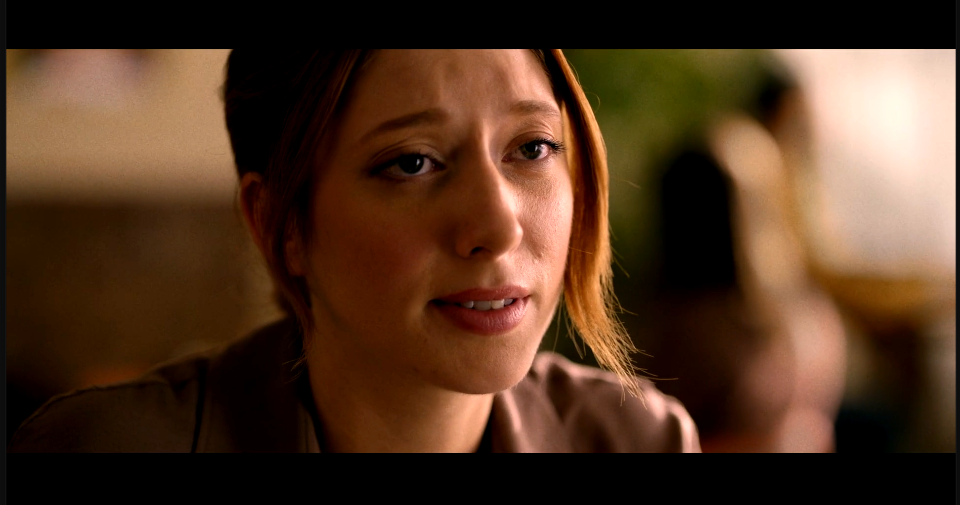
Levels controls exactly where the darkest and lightest pixels in your image sit. Drag Input Black up and everything below it becomes pure black, deepening the shadows. Drag Input White down and everything above it becomes pure white, brightening the highlights. Gamma shifts the midtones without touching either end. This is the single most useful color tool in any editor once you're past the basics.

‹›
Settings used
- Input Black: 35
- Input White: 225
- Gamma: 1.0
Add the effect from FX → Color Correction → Levels. Tightening Input Black and Input White toward the middle is the fastest way to add contrast to a flat clip.