Instant Negative/Photo-Film Look
The Invert effect flips all the colors in your footage to their opposite values on the color wheel — bright becomes dark, red becomes cyan, yellow becomes blue. It's the classic negative-film look, and it happens in one click. Use it for stylistic color grading, flashback sequences, or that retro photo-negative aesthetic.
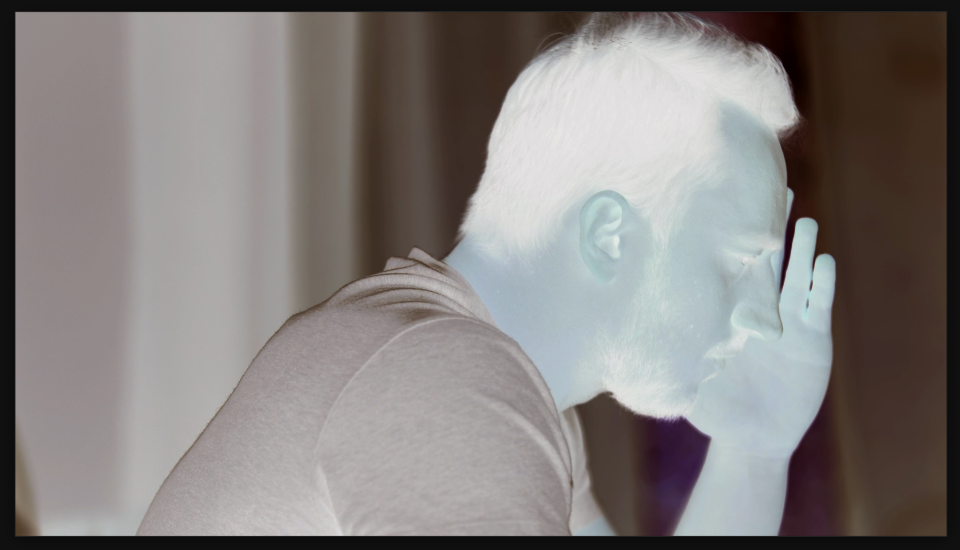

Settings used
- Amount: 100%
Add the effect from FX → Channel → Invert. The amount slider controls how much inversion is applied — 100% is the full negative effect, lower values create a partial inversion. Most of the time you'll want 100%.
When to use it
Invert works great for creating contrast between scenes (like a flashback sequence), aesthetic color grading, or that retro analog look. It's also useful for creating accent moments or transitions in music videos and short-form content.