Change Any Color in Your Footage (Free Tool)
Hue Rotate spins every color in the shot around the color wheel at once. Saturation and Lightness sit alongside it for punching color up or down, or lifting and dropping brightness without touching contrast. It's the core grading tool most people have never actually opened.
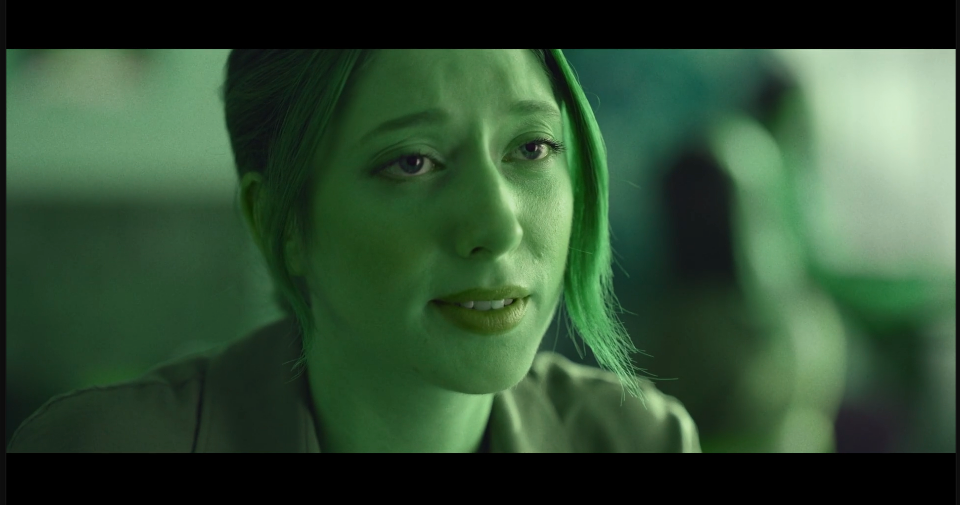
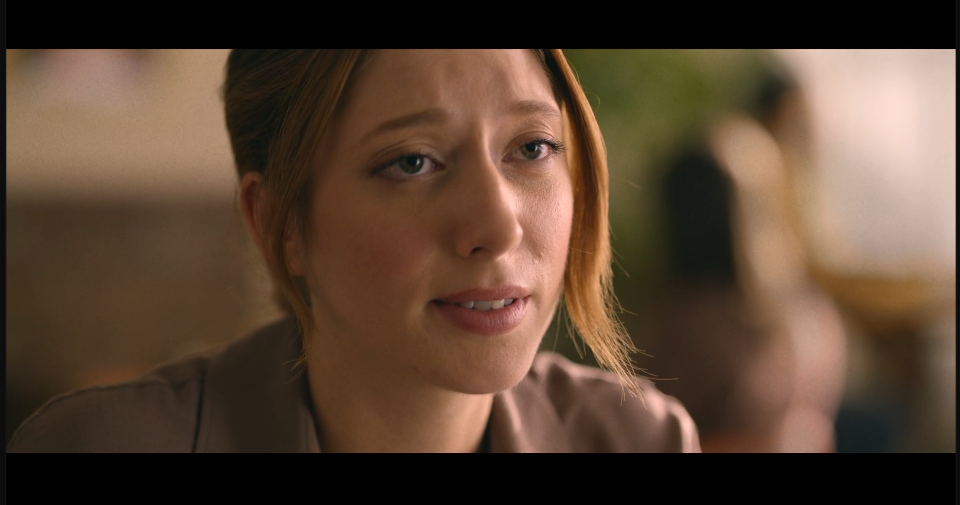
‹›
Settings used
- Hue Rotate: +90°
- Saturation: 0
- Lightness: 0
Add the effect from FX → Color Correction → Hue & Saturation. Small Hue Rotate values (10-30°) shift a mood subtly; larger values like this one make the shift obvious for stylised looks.