Rescue Underexposed Shots for Free
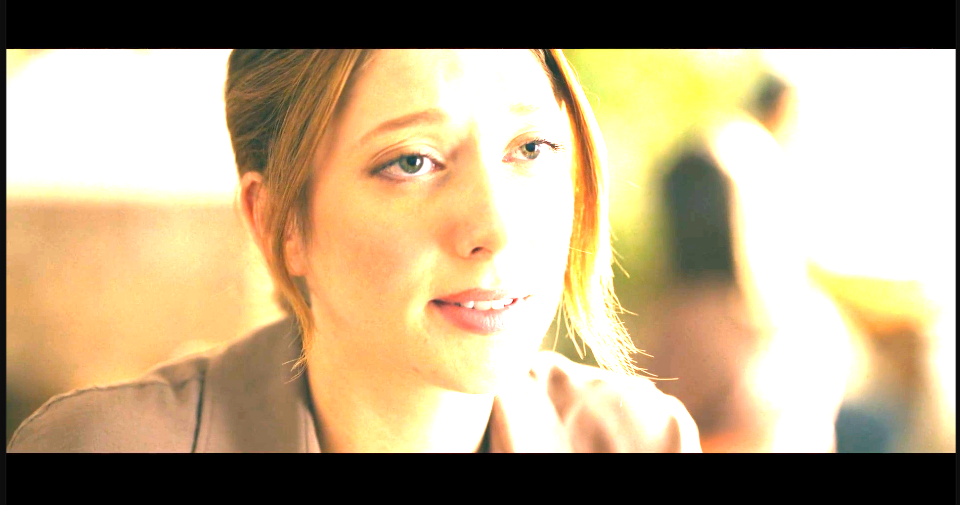
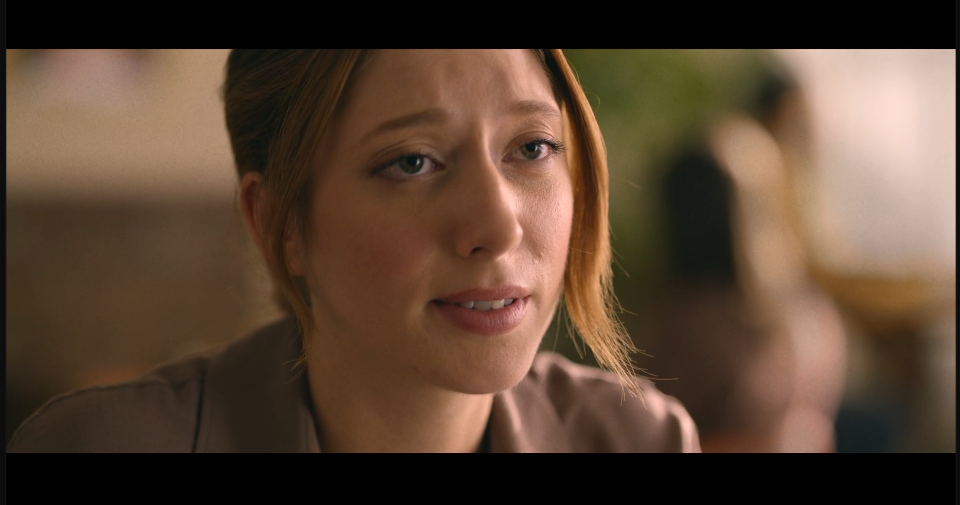
Exposure mimics the exposure dial on a camera, applied after the fact. Unlike Brightness, which just adds light evenly, Exposure works the way a camera sensor does, so it holds onto detail in the image instead of flattening it out. It's the fix for when the shot itself was underexposed on the day, not a color problem.
‹›
Settings used
- Exposure: +1.8
Add the effect from FX → Color Correction → Exposure. The slider runs from -5 to +5 — push it up to rescue a dark shot, or down to pull back a shot that's too hot.