The Difference Between Layer Transform and the Transform Effect
Transform is an effect version of layer position/scale/rotation. Most of the time you'll use layer transform controls directly on the layer, but the Transform effect has one key advantage: it sits in your effects chain, so you can animate it after other effects, or use it for creative distortion. Think of it as a second set of transform controls that sits lower in the effects pipeline.
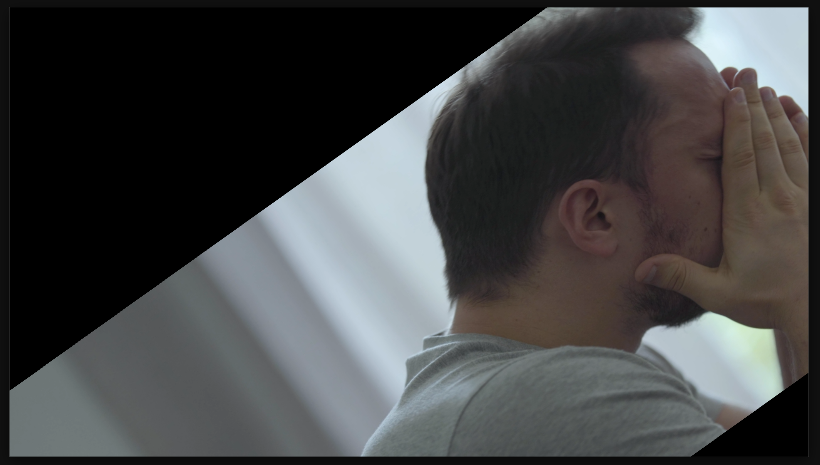

Settings used
- Position X: 209
- Position Y: 0
- Scale X: 124%
- Scale Y: 100%
- Rotation: -35.5°
- Skew X: 0
Add the effect from FX → Distort → Transform. Position, Scale, and Rotation work identically to layer transforms. The key difference: this effect applies after other effects, so you can fine-tune positioning without affecting keyframes on the layer itself. Great for final tweaks or creative stacking.
When to use it
Use Transform effect when you've already keyframed the layer's main transform and need secondary adjustments. Use it to add micro-animations on top of existing motion. Stack multiple Transform effects for creative distortion combinations. It's also useful for batch adjustments across many layers without re-keyframing each one.