Fake Motion Blur for Action-Style Edits
Directional Blur adds motion blur in any direction — perfect for creating the speed-line effect you see in action trailers and music videos. A fast car, a punch, a swipe transition — add Directional Blur in the direction of movement to sell the motion and add impact.

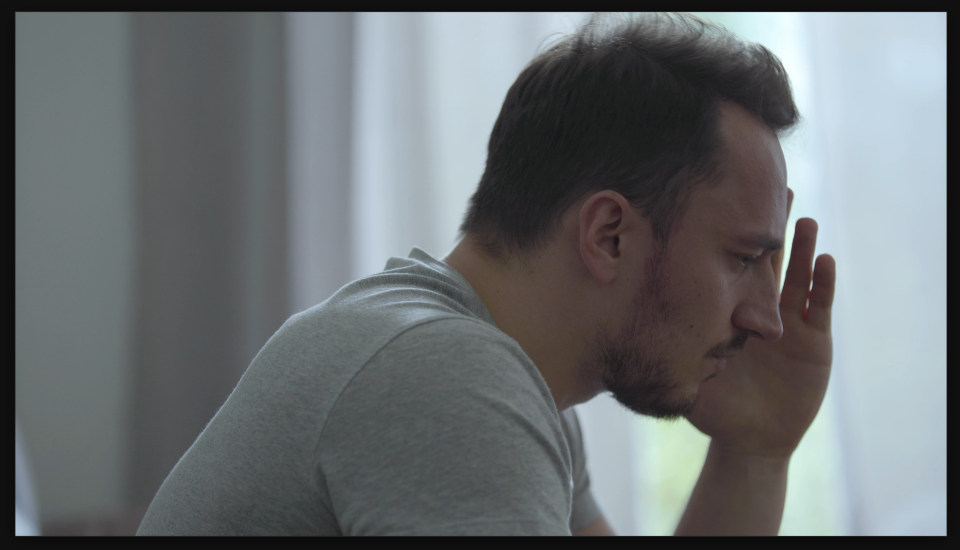
Settings used
- Blur Length: 15
- Direction: 0°
Add the effect from FX → Blur & Sharpen → Directional Blur. Blur Length controls how much blur — higher values create stronger motion streaks (try 10-25). Direction sets which way the blur goes — 0° is horizontal right, 90° is down, 180° is left, 270° is up.
When to use it
Use Directional Blur on fast cuts to add motion and impact. Combine it with a zoom or pan in the same direction for extra punch. It's great for transitions, action sequences, quick cuts in music videos, and anytime you need to sell movement or speed. Even on static footage, it creates visual energy.