Get a Film Grain Look for Free
Add Grain creates fine, organic-looking grain that mimics film stock — that characteristic texture that makes digital look expensive and filmic. Unlike plain noise, grain has subtle color shifts and structure that feels natural. It's the secret to that polished, cinematic look without spending thousands on actual film or LUTS.
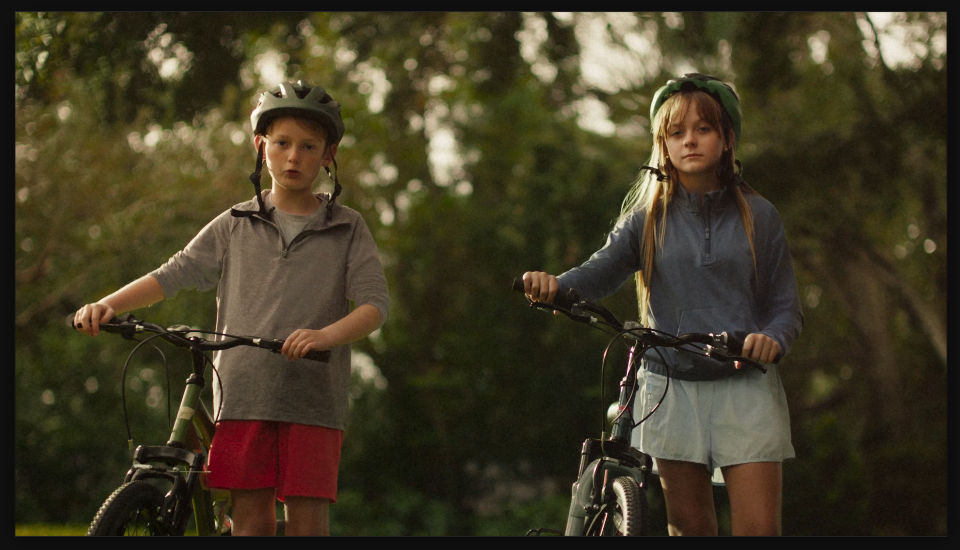
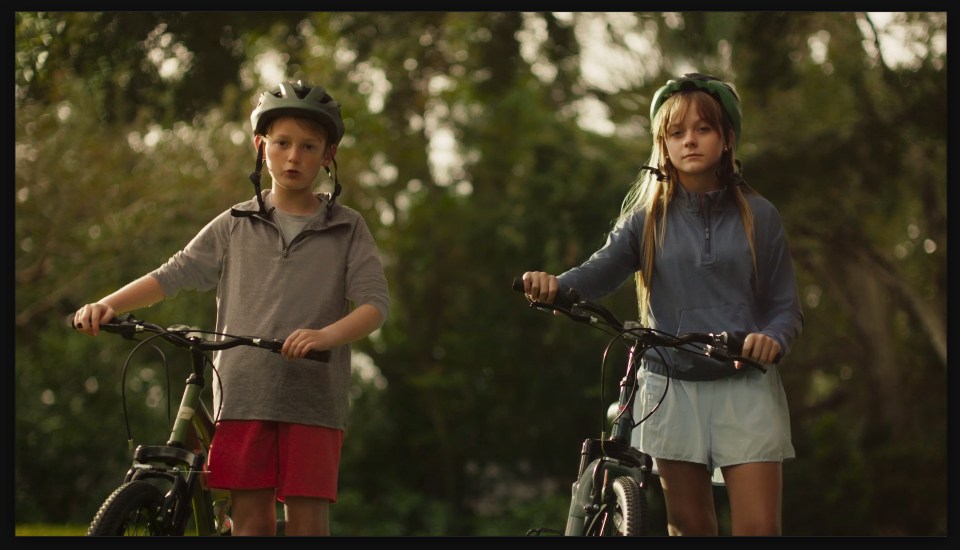
Settings used
- Intensity: 28
- Size: 1.2
- Softness: 0.5
Add the effect from FX → Noise & Grain → Add Grain. Intensity controls how visible the grain is — 5-15 is subtle and filmic, 20-30 looks like 16mm film. Size controls grain particle size — 1.0 is fine cinema grain, 2.0+ is chunky and vintage. Softness smooths the grain edges — lower values are sharp and crisp, higher values are softer and more organic.
When to use it
Add grain to any shot that needs to look "shot on film" — narrative footage, cinematic reels, music videos, or anything where you want that polished, expensive aesthetic. It's especially effective on color-graded footage where the smoothness of digital can look cold. Dial it in at 10-15 intensity for a subtle, invisible effect that just makes everything look better. For stylized looks (music videos, trailers), push it to 25-40 for obvious, intentional grain.